Monitoring
The monitoring page allows checking the system status. It is divided into three tabs: Incoming studies, Nodes and Logs.
Incoming studies
Lists in real time the studies entering the PACS, indicating the client AE Title, reception progress and stability status. Useful to identify incomplete transfers or reception delays.
Nodes
Each node is shown as follows. The display includes the node name, hostname, OS uptime, RAM, CPU and disks.
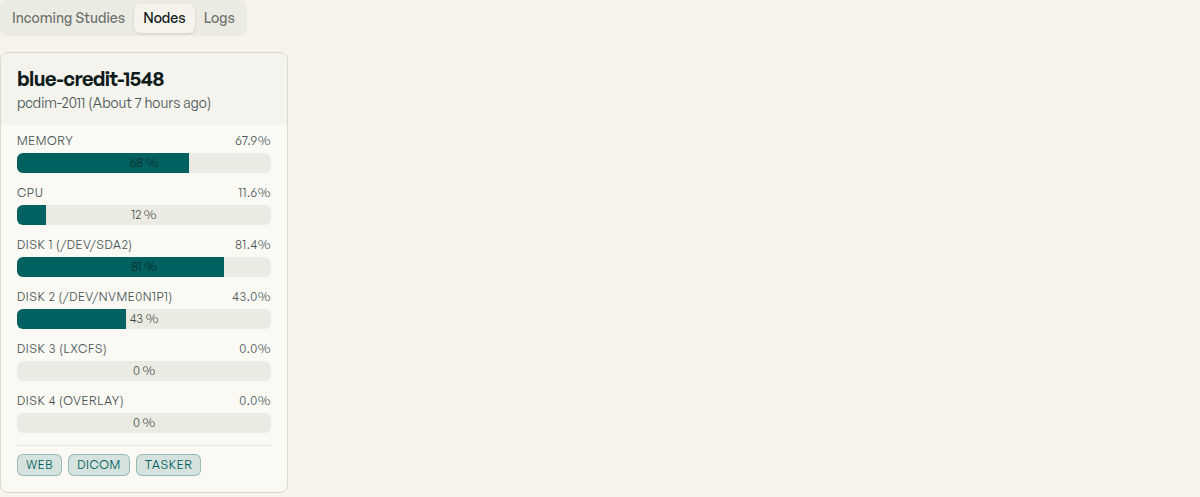
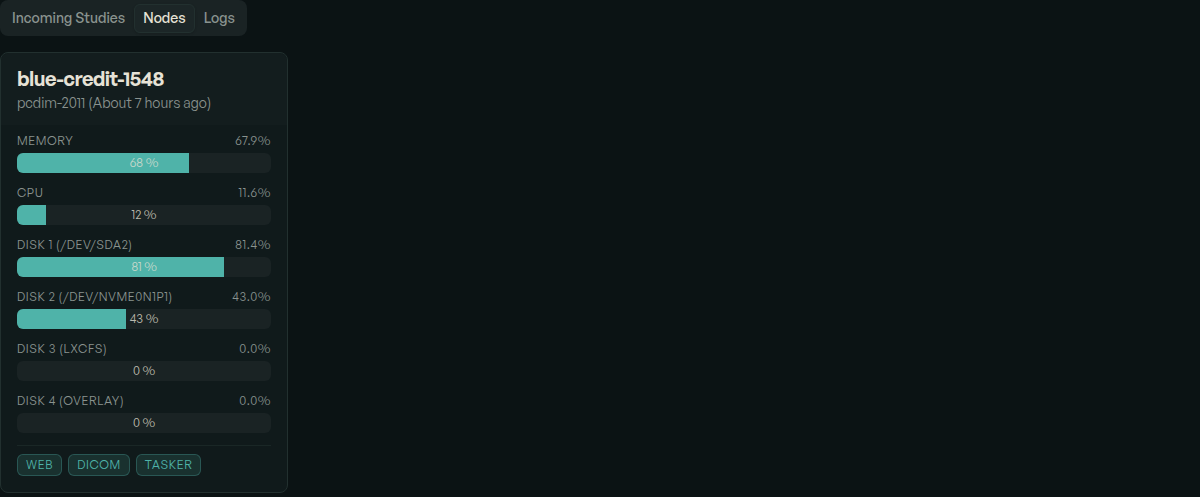
Each node can perform three tasks: web, dicom and/or tasker.
- WEB: enables all web features such as web page access, viewer and DICOM WADO endpoint.
- DICOM: enables all DICOM SCP services, such as STORE-SCP, MWL-SCP, PRINT-SCP, etc.
- TASKER: performs database maintenance tasks and runs the work queues.
There must be only one node with the tasker role, otherwise the system may behave unpredictably.
Logs
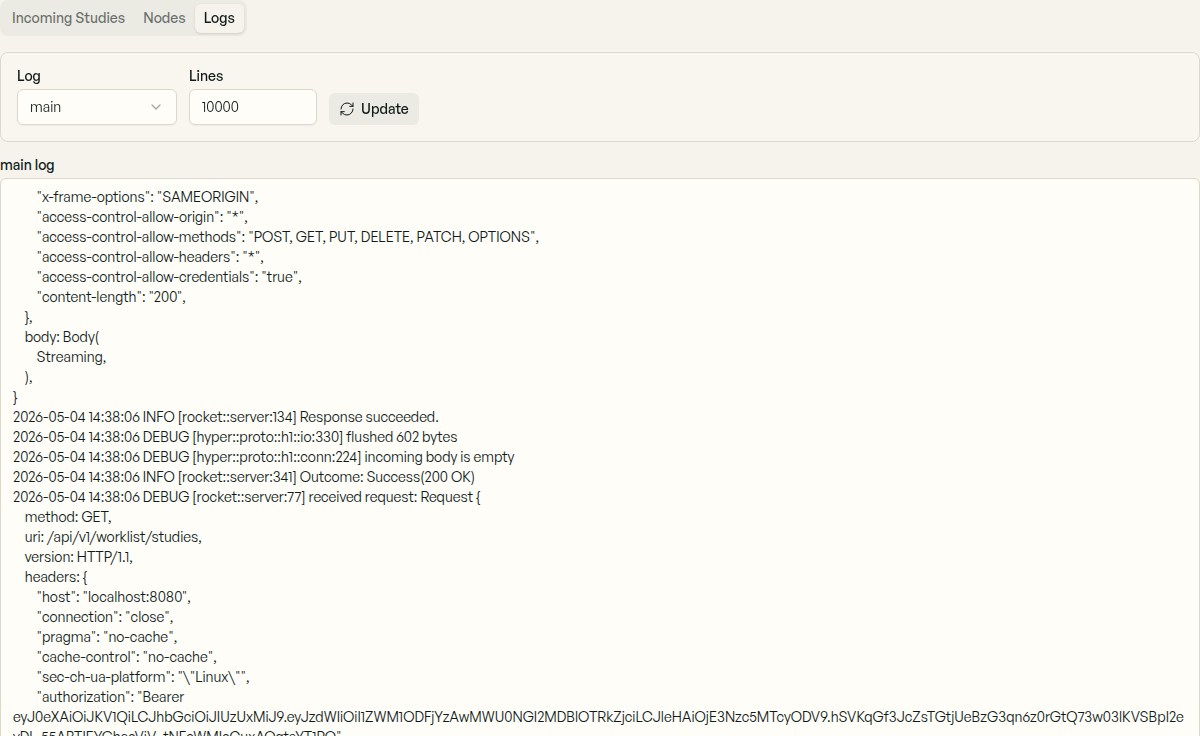
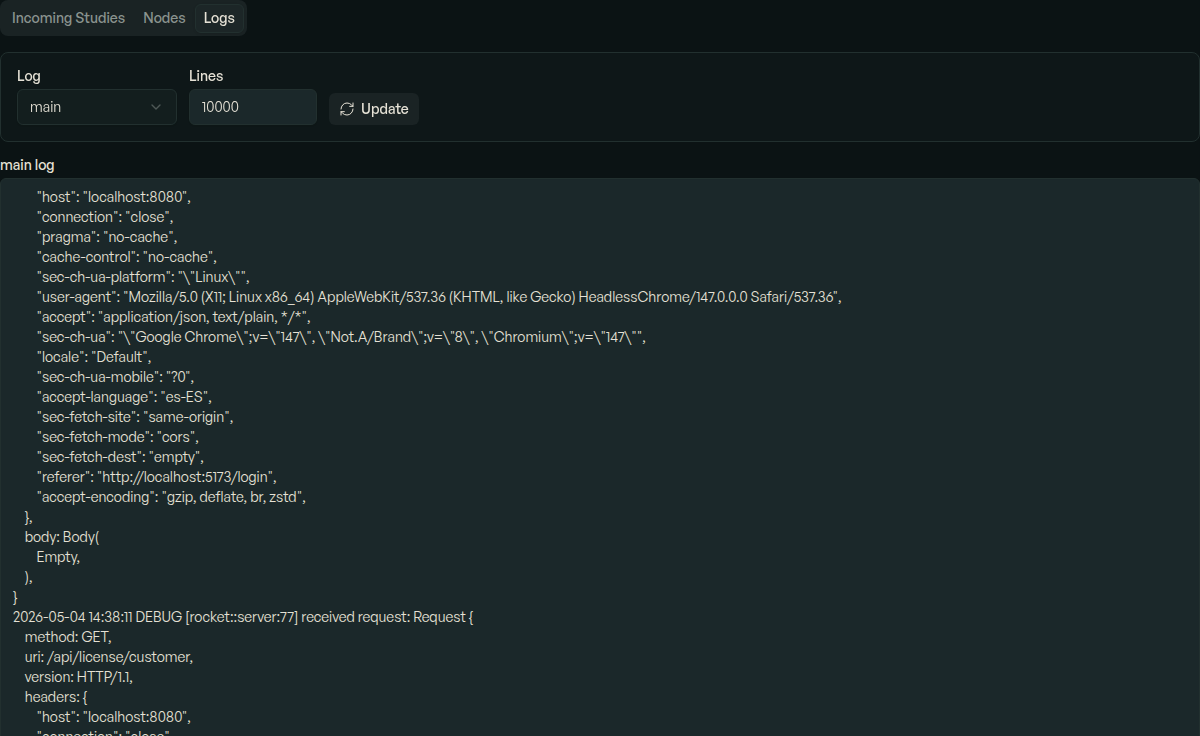
The logs section allows viewing the three log types: main, dicom (protocol trace) and worklist. Select the log in the Log dropdown and the number of lines to retrieve in Lines. The Refresh button re-reads the file.