Permissions
The permissions module manages access to system resources and features for different users, as well as token management for connecting other systems via APIs. This ensures controlled information exchange between applications.
Roles are groups of resources or permissions. There are two role types: for users or for tokens. The main difference is that tokens can more effectively segment the APIs an external application can access, increasing system security. Each user or token can have one or more roles assigned.
Roles
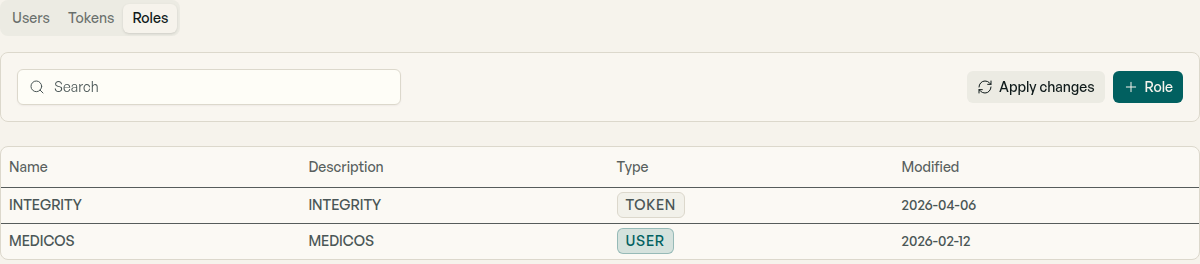
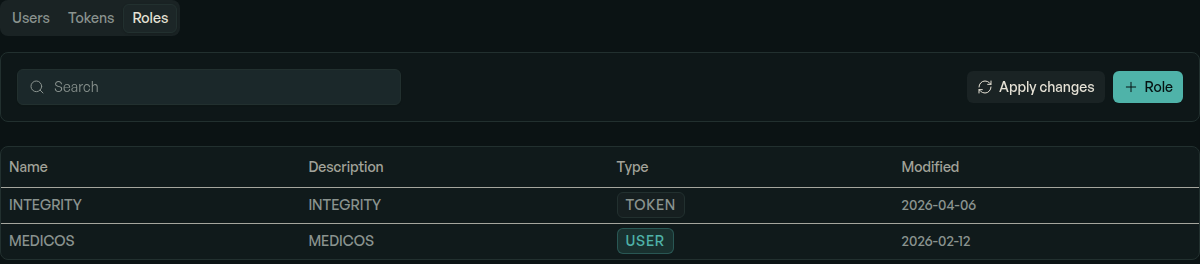
As mentioned, roles are groups of resources. Before creating a user, first create a role, e.g., doctor, technician, etc. To create a new role, click + Role, make sure User is selected as role type, fill in the data and save.
The admin user has higher privileges than all other users. For that reason, it does not appear in the user list and its role is not shown. It has all resources enabled and cannot be deleted.
Each resource can be composed of a group of actions or a sub-resource. Resources use the CRUD permission structure (Create, Read, Update and/or Delete) or RU (Read and/or Update). This lets you segment resource access as read-only or read/write.
Always advance in the order Read, Update, Create and Delete for CRUD, or Read and Update for RU.
To force role changes across all users, click Apply changes.
Resources
All modules listed in the sidebar of the web page can be enabled. The only special resource is the viewer. When enabled, the user can access extended viewer features, such as DICOM printing, using the same PACS session.
Users


To add a new user, click + User, fill in the data and save. A user can be created without roles, but when attempting to log in, the system will deny access and show the error "User must have at least one role assigned".
To force user property changes, click Apply changes.
Tokens


Tokens are used to connect external systems to the PACS. Token roles allow manually selecting the resource to access and its actions.
To create a new token, first create one or more roles of type Token, in the Roles tab. Available rules are listed in the API section.
Once created, the JWT can be copied to the clipboard by clicking the icon in the Token column of the token list.