Printers
The system supports DICOM printing both as a Print Server and as a client, from web viewers (Print Client). This page allows controlling print queues, viewing progress, resending and/or deleting jobs.
Print Server
The Print Server receives DICOM prints and converts them into conventional paper prints (Windows only). In the Print Server tab, you can monitor the status of print jobs by 'bucket'. A 'bucket' is a virtual DICOM printer that can convert the image to be printed across one or more paper printers, depending on the film format.
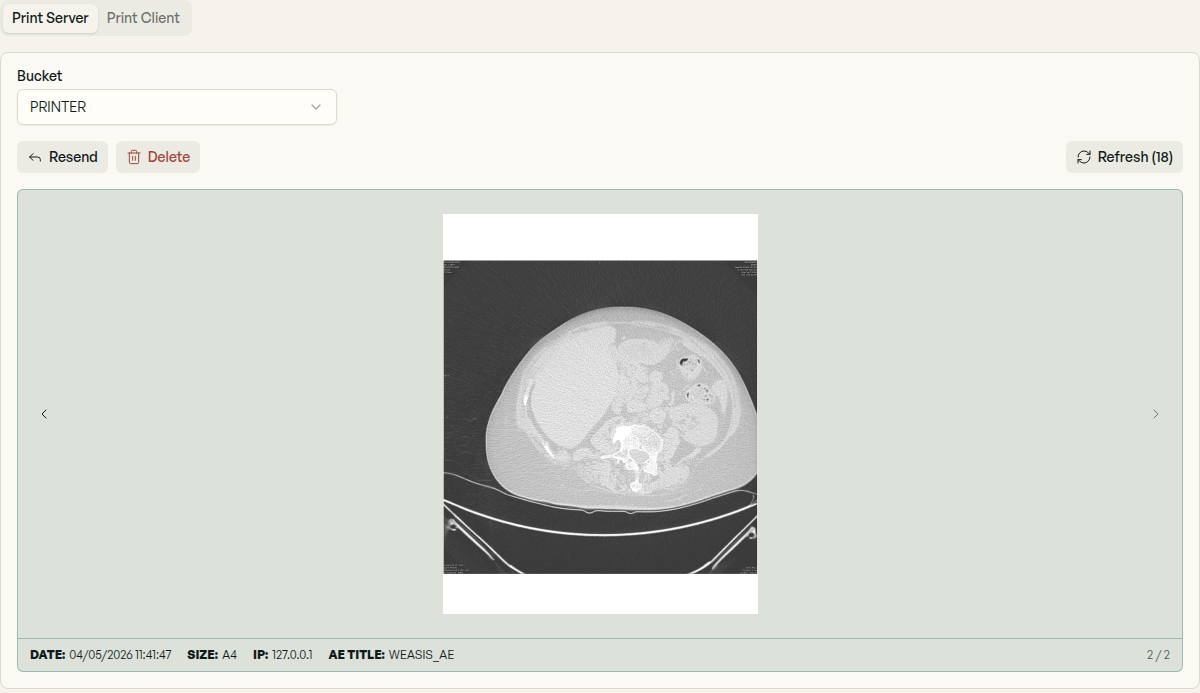
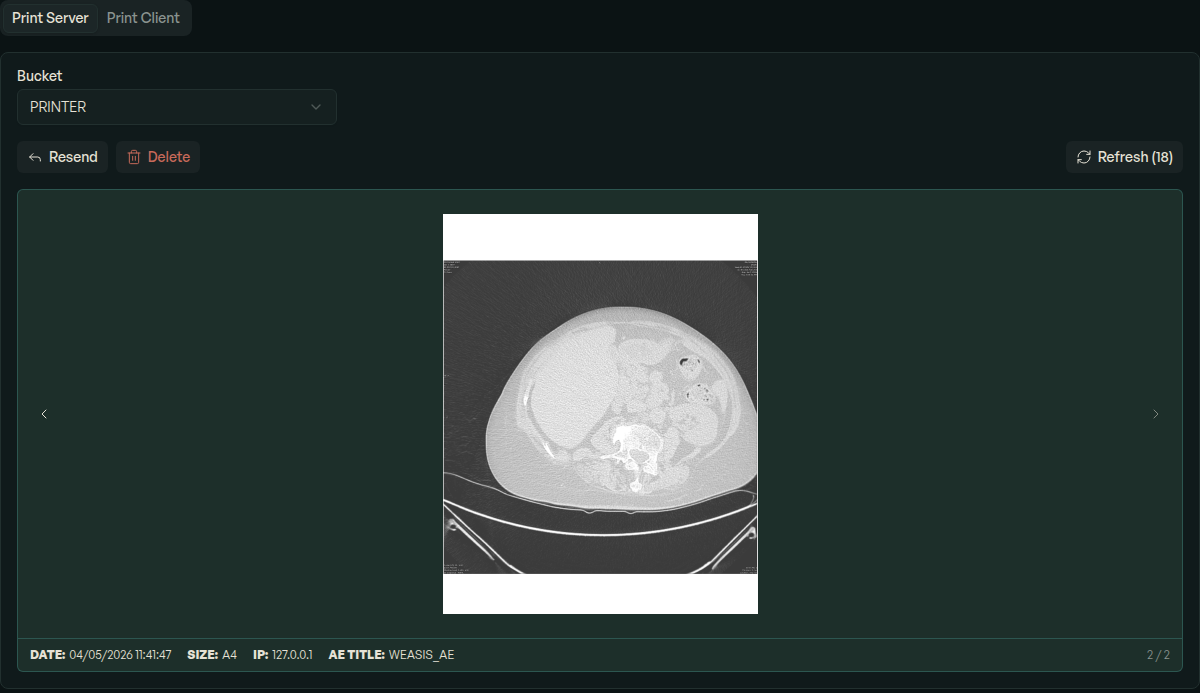
The bucket is selected in the Bucket dropdown. Received films are listed below; selecting one previews the image.
- Resend: resends the selected film to the paper printer.
- Delete: removes the selected job.
- Refresh: updates the work queue. The number in parentheses is the counter (in seconds) until the next automatic refresh.
Print job status:
- Gray: in progress.
- Green: print completed.
- Red: print error.
Print Client
The Print Client sends a film generated from the Proteus Web Viewer to a DICOM film printer. In the Print Client tab, you can monitor the status of print jobs by DICOM printer.
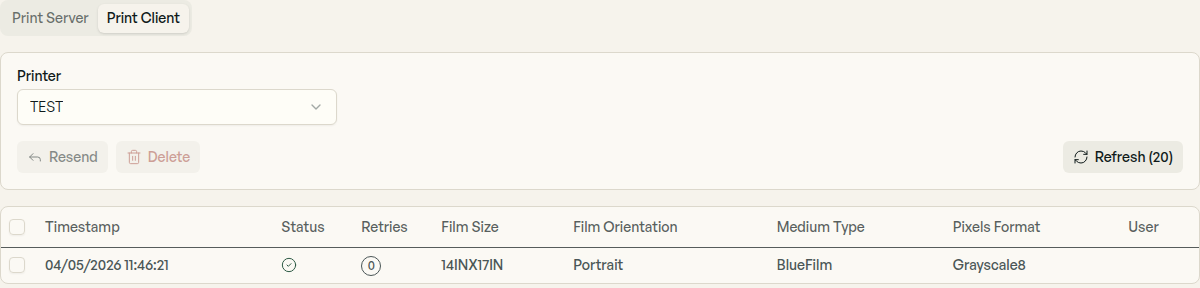
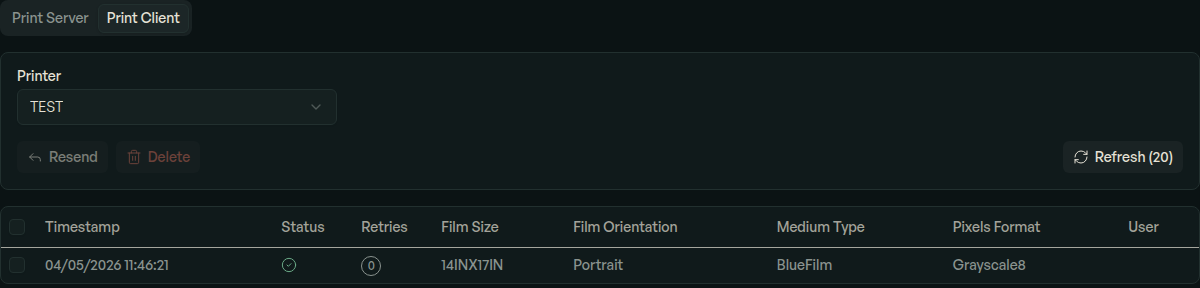
The printer is selected in the Printer dropdown. With one or more print jobs selected, the following actions are available:
- Resend: resends the selected film to the DICOM printer.
- Delete: removes the selected job.
- Refresh: updates the work queue. The number in parentheses is the counter (in seconds) until the next automatic refresh.