Windows
Install MongoDB
https://www.mongodb.com/docs/manual/tutorial/install-mongodb-on-windows
warning
Proteus PACS requires MongoDB version 7.0 or higher. Older versions are not supported.
-
Download the MongoDB Community 7.0.8 installer from:
-
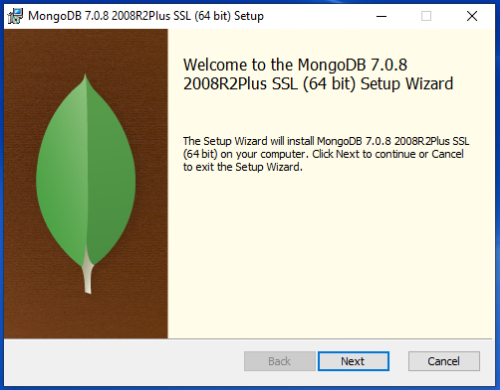
Run the MongoDB Community Edition installation wizard.
- Click Next.
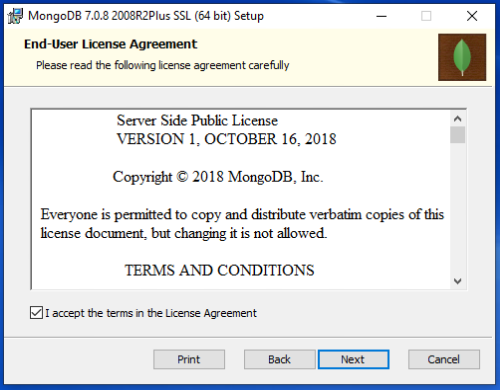
- Accept the terms and conditions and click Next.
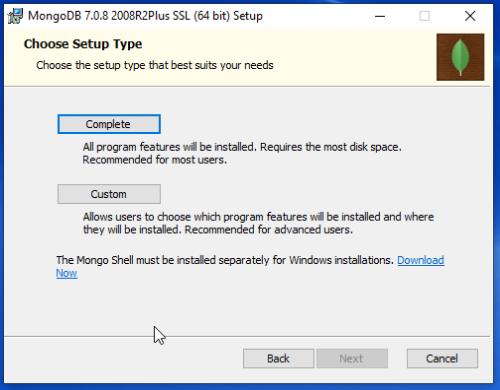
- Click Complete to install all the database components needed for the PACS to work correctly.
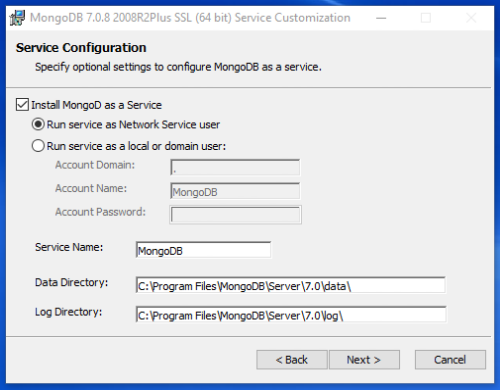
- Configure the MongoDB service. The Data Directory field specifies the location in your filesystem where database data is stored. The Log Directory field specifies where MongoDB log files are stored. Keep the defaults. Click Next.
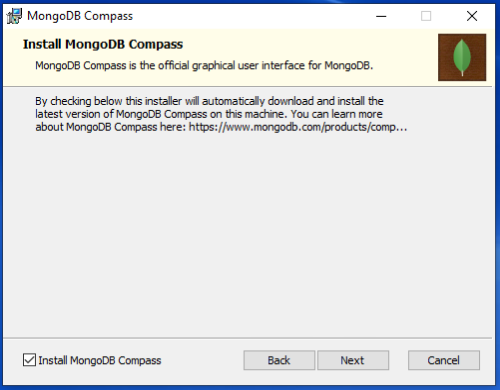
- This screen prompts the installation of MongoDB Compass, a GUI client to access MongoDB data. We recommend installing it. Click Next.
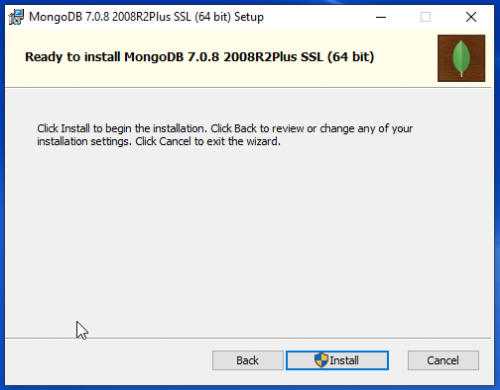
- Click Install.
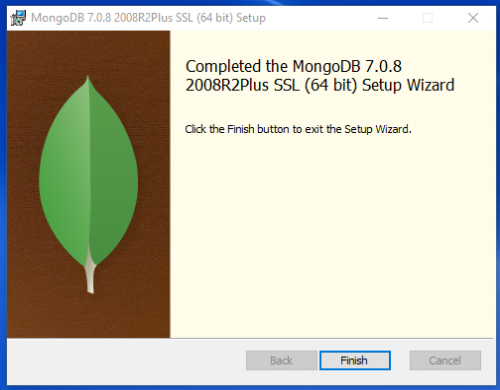
- Click Finish.
Install Proteus
-
Download the installer from https://proteus.forzasoft.com.ar.
-
Run the installation wizard.
- Click Next.
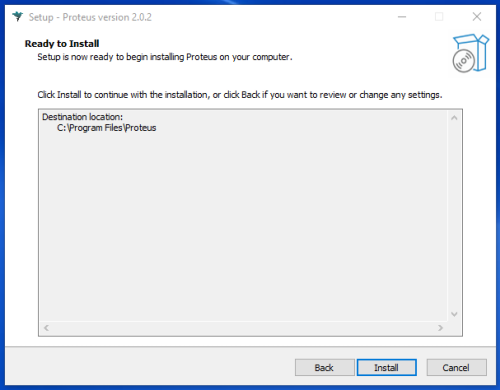
- Click Install.
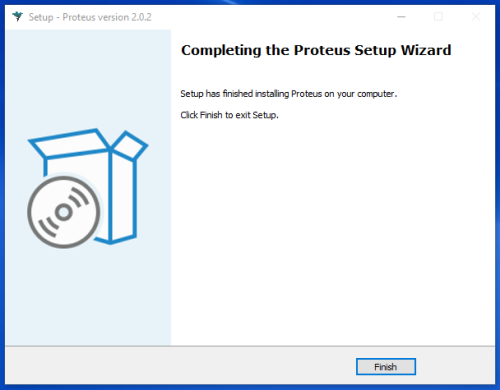
- Click Finish.
info
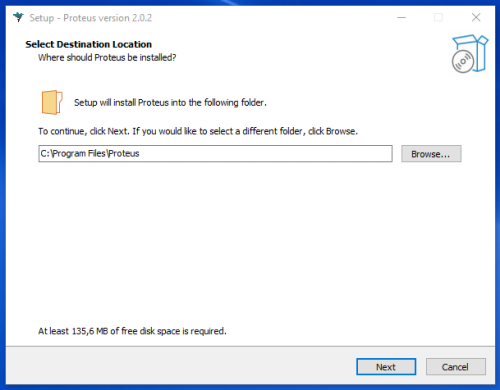
By default, the application root directory is C:\Program Files\Proteus, unless the location is changed during installation.